

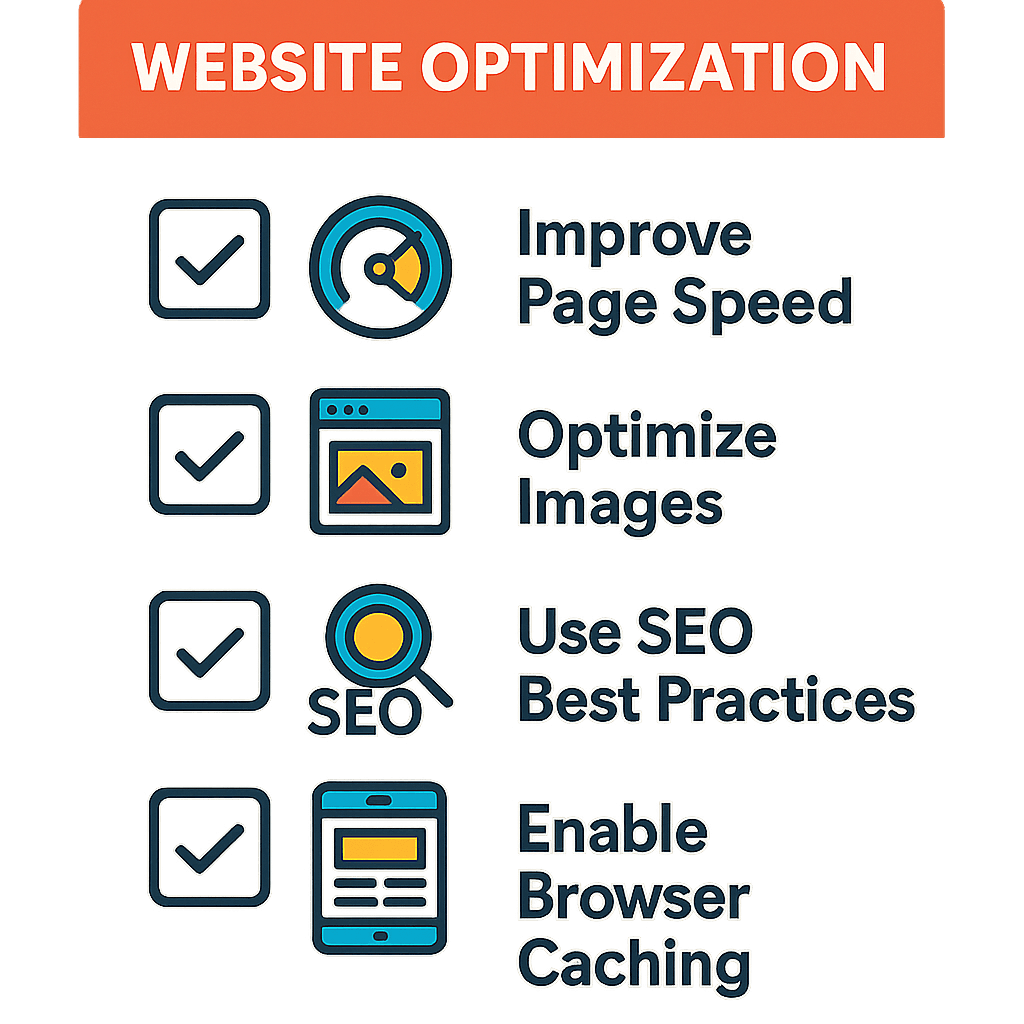
Understanding Website Performance Optimization
Website performance optimization is critical for offering a seamless user experience. A fast-loading site not only improves user satisfaction but also boosts your SEO rankings. With more users relying on mobile devices, optimizing your website's performance has never been more crucial.
Why Optimize Your Website?
When your website performs well, it leads to:
- Higher user retention rates
- Improved conversion rates
- Better search engine rankings
- Enhanced user experience
Practical Checklist for Website Performance Optimization
Here’s a comprehensive checklist to help you enhance your website's performance:
1. Optimize Images
Large images can slow down your website. Use the following methods:
- Compress images without losing quality.
- Use the correct file formats (JPEG for photos, PNG for graphics).
- Implement responsive images for different screen sizes.
2. Minimize HTTP Requests
Every element on your webpage (images, scripts, styles) requires an HTTP request. Reduce these requests by:
- Combining CSS and JavaScript files.
- Using CSS sprites to combine multiple images.
3. Enable Browser Caching
Browser caching allows frequently accessed resources to be stored locally in the user's browser. This speeds up page loading times for returning visitors. Implement caching by:
- Setting cache expiry dates for resources.
- Utilizing tools like W3 Total Cache for WordPress sites.
4. Minify CSS, JavaScript, and HTML
Minification removes unnecessary characters from code, which decreases file size. Use tools like:
- UglifyJS for JavaScript
- CSSNano for CSS
5. Use a Content Delivery Network (CDN)
A CDN distributes your website’s content across various servers around the world, reducing the distance between the server and user. This enhances site speed significantly.
6. Optimize Your Web Hosting
The type of hosting can greatly impact your website’s performance. Consider:
- Choosing dedicated or VPS hosting over shared hosting for better performance.
- Ensuring your hosting provider offers high uptime and fast servers.
7. Reduce Redirects
Redirects create additional HTTP requests and can slow down your website. Minimize the use of redirects where possible.
8. Monitor and Analyze Performance
Use tools like Google PageSpeed Insights or GTmetrix to monitor your website’s performance. Regular analysis can help you identify bottlenecks.
Conclusion
By following this checklist, you can significantly improve your website's performance. For professional assistance in optimizing your website, consider partnering with Litbylines Technologies, a leading software development agency. We specialize in web development and can help you implement these strategies effectively.